Complete Guide to LangChain: Building AI Applications with Python
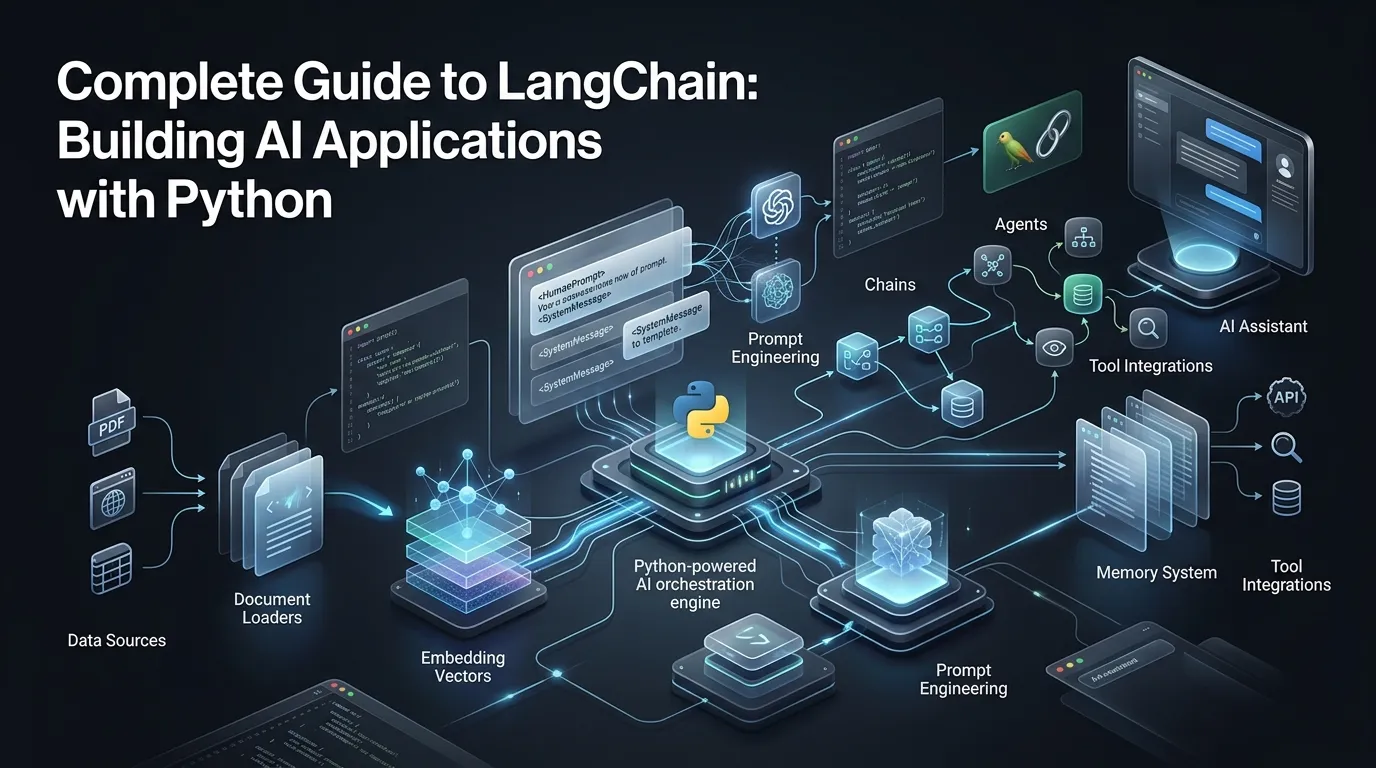
What is LangChain?
LangChain is an open-source Python library designed to help developers build applications powered by Large Language Models (LLMs) such as GPT-4, Claude, and Llama. The framework provides ready-made tools and components that simplify and accelerate the development process, making it easier to create sophisticated AI applications.
LangChain acts as a bridge between your application and various LLM providers, offering a unified interface for working with different models while providing powerful abstractions for common AI tasks like question-answering, text generation, and document processing.
Why Use LangChain?
LangChain offers numerous advantages that make it the preferred choice for many developers:
- Simplicity: Clean and intuitive API that reduces complexity
- Flexibility: Support for multiple LLM providers (OpenAI, Anthropic, Cohere, etc.)
- Connectivity: Easy integration with various data sources and tools
- Chaining: Ability to create complex chains of operations
- Memory: Built-in memory management for conversation history
- Agents: Create autonomous agents that can use tools and make decisions
- Document Processing: Built-in support for working with documents and vector stores
Installation and Setup
To get started with LangChain, you'll need to install it along with the necessary dependencies:
After installation, you'll need to set up your API keys. It's recommended to use environment variables:
Example 1: Building a Simple Chatbot
Let's start with a simple example. Here's how to create a basic chatbot using OpenAI:
Working with Prompt Templates
Prompt templates help you structure and reuse your prompts efficiently:
Working with Chains
Chains are one of LangChain's most powerful features, allowing you to connect multiple operations together:
Memory Management
Memory allows your chatbot to remember conversation history:
LangChain also supports other memory types:
- ConversationBufferWindowMemory: Keeps only the last N messages
- ConversationSummaryMemory: Maintains a summary of the conversation
- ConversationSummaryBufferMemory: Combines both approaches
Working with Documents and Vector Stores
LangChain makes it easy to work with documents and store them in vector databases for semantic search:
Creating an Agent
Agents are one of LangChain's most advanced features, allowing models to decide which tools to use:
Advanced Features
Streaming Responses
For better user experience, you can stream responses as they're generated:
Custom Callbacks
You can use callbacks to monitor and log chain execution:
Best Practices
To get the most out of LangChain, consider these best practices:
- API Key Management: Always store API keys in environment variables, never hardcode them
- Cost Management: Use smaller models for simple tasks to reduce costs
- Error Handling: Always implement proper error handling for API calls
- Testing: Thoroughly test your chains before deployment
- Documentation: Document your chains and their purposes
- Temperature Settings: Use lower temperatures (0-0.3) for factual tasks, higher (0.7-1.0) for creative tasks
- Chunk Size: When working with documents, experiment with chunk sizes to find the optimal balance
- Vector Store Selection: Choose the right vector store for your use case (FAISS for local, Pinecone/Weaviate for production)
Common Use Cases
- Customer Support Chatbots: Build intelligent chatbots that can answer customer queries
- Document Q&A Systems: Create systems that can answer questions about your documents
- Content Generation: Automate content creation for blogs, social media, etc.
- Code Generation: Build tools that generate code based on natural language descriptions
- Data Analysis: Create agents that can analyze data and generate insights
Conclusion
LangChain is a powerful and flexible framework for building LLM-powered applications. With its intuitive API, extensive integrations, and powerful abstractions, you can quickly build chatbots, question-answering systems, and complex AI applications. By following the examples and best practices outlined in this guide, you'll be well on your way to creating sophisticated AI solutions.
As you continue to explore LangChain, remember to start simple and gradually add complexity. The framework's modular design makes it easy to build and iterate on your applications. For more advanced topics and the latest updates, be sure to check out the official LangChain documentation.
Happy building!